 Radmard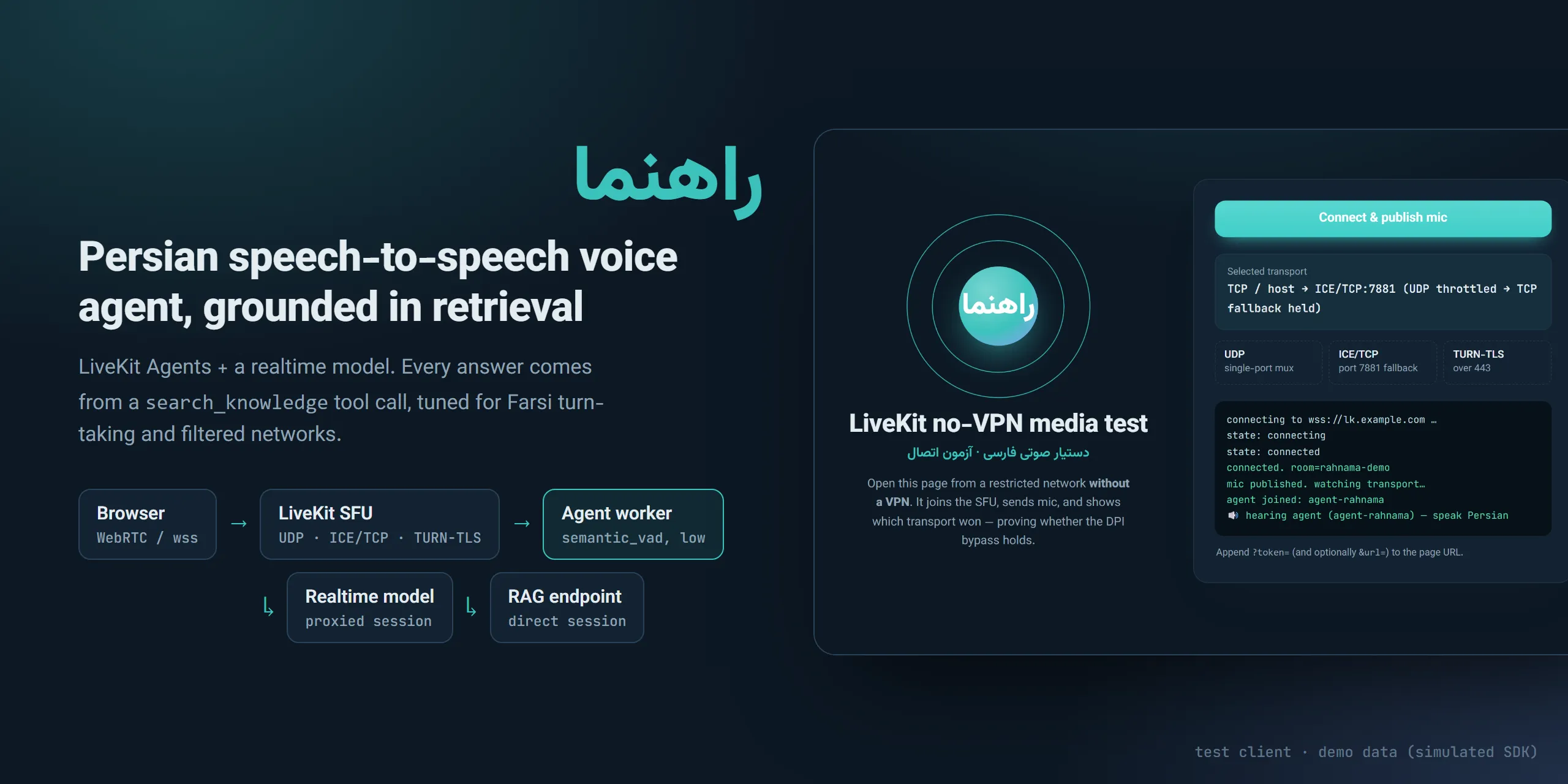
Rahnama (راهنما): a Persian voice agent that talks back in real time and answers only from retrieved passages, built to work on filtered networks.
A Persian (Farsi) speech-to-speech voice agent built on LiveKit Agents and a realtime model. Every answer is grounded in passages returned by a retrieval tool.
Highlights
- Speech-to-speech in Persian over WebRTC, with RAG through a
search_knowledgetool call. - Turn-taking tuned for Farsi pauses (
semantic_vad, low eagerness). - Split proxying: model traffic proxied, RAG and SFU links direct.
- Self-hosted LiveKit with a UDP → ICE/TCP fallback (TURN-TLS/443 drafted in
infra/livekit.yaml, not yet enabled), plus a browser client that reports which transport won. - Idle-close cost guard and per-turn metrics.
Why it’s interesting
- Grounded voice answers. The persona prompt forces a
search_knowledgetool call before any religious answer and forbids adding outside knowledge. The tool returns capped, ordered passages, or explicit sentinels ((no relevant passages found),(knowledge base unavailable)) that the prompt maps to spoken fallbacks (agent/worker.py). - Farsi turn-taking. Uses
semantic_vadwitheagerness="low"so Persian pauses are not clipped, andinterrupt_response=Falseso noise or echo cannot cancel a long answer mid-RAG-wait. The worker comments record the failures that led to each choice. - Per-plugin proxying for restricted networks. A global
HTTPS_PROXYwould also tunnel the LiveKit worker’s SFU registration. Instead only the realtime model’shttp_sessionuses the proxy, the RAG call uses a separate proxy-free session, andWorkerOptions(http_proxy=None)keeps the SFU link direct (agent/worker.py,agent/proxy.py). - Load by job count, not CPU. A custom
load_fncavoids the worker flapping to “unavailable” when CPU-based load oscillates around the threshold. - Cost guard. Idle-close after the user goes away stops realtime billing on abandoned tabs; per-turn metrics and session usage are logged.
Architecture
flowchart LR
  B[Browser client] -- WebRTC / wss --> S[LiveKit SFU]
  S -- local ws --> W[Agent worker]
  W -- proxied session --> M[Realtime model]
  W -- direct session --> R[RAG endpoint]
The browser joins a LiveKit room on a self-hosted SFU (infra/). The worker joins the same room over localhost. Audio goes to the realtime model through the proxy; retrieval goes direct.
Tech stack
Python, livekit-agents, livekit-plugins-openai (realtime), aiohttp, httpx, nginx, self-hosted LiveKit server.
Key techniques
- Tool calling for retrieval:
search_knowledgeinagent/worker.py. - Prompt design for a voice UX: short, persona-labelled rules; no spoken citations or markdown.
- Transport tuning for lossy networks: UDP single-port mux plus ICE/TCP fallback (
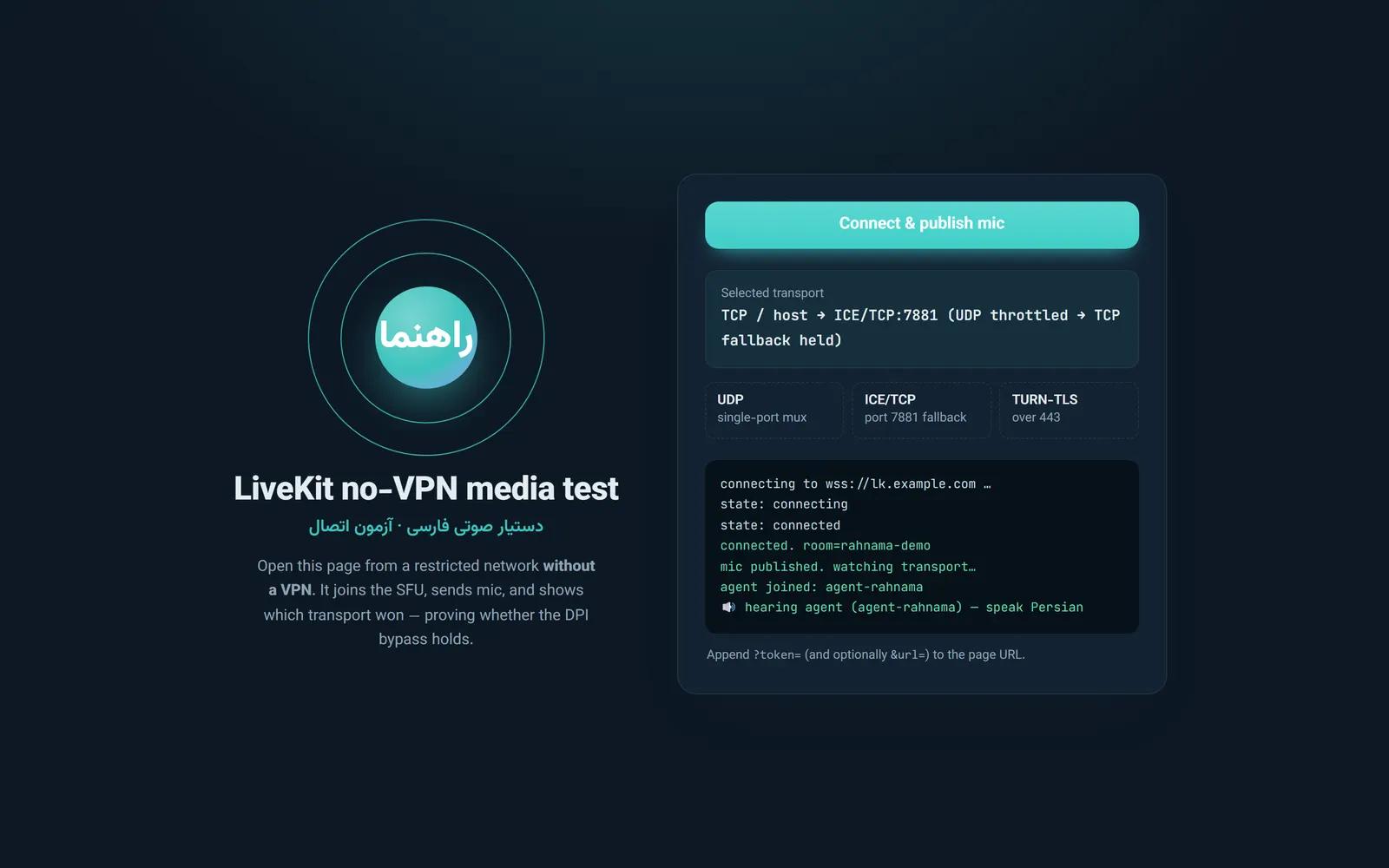
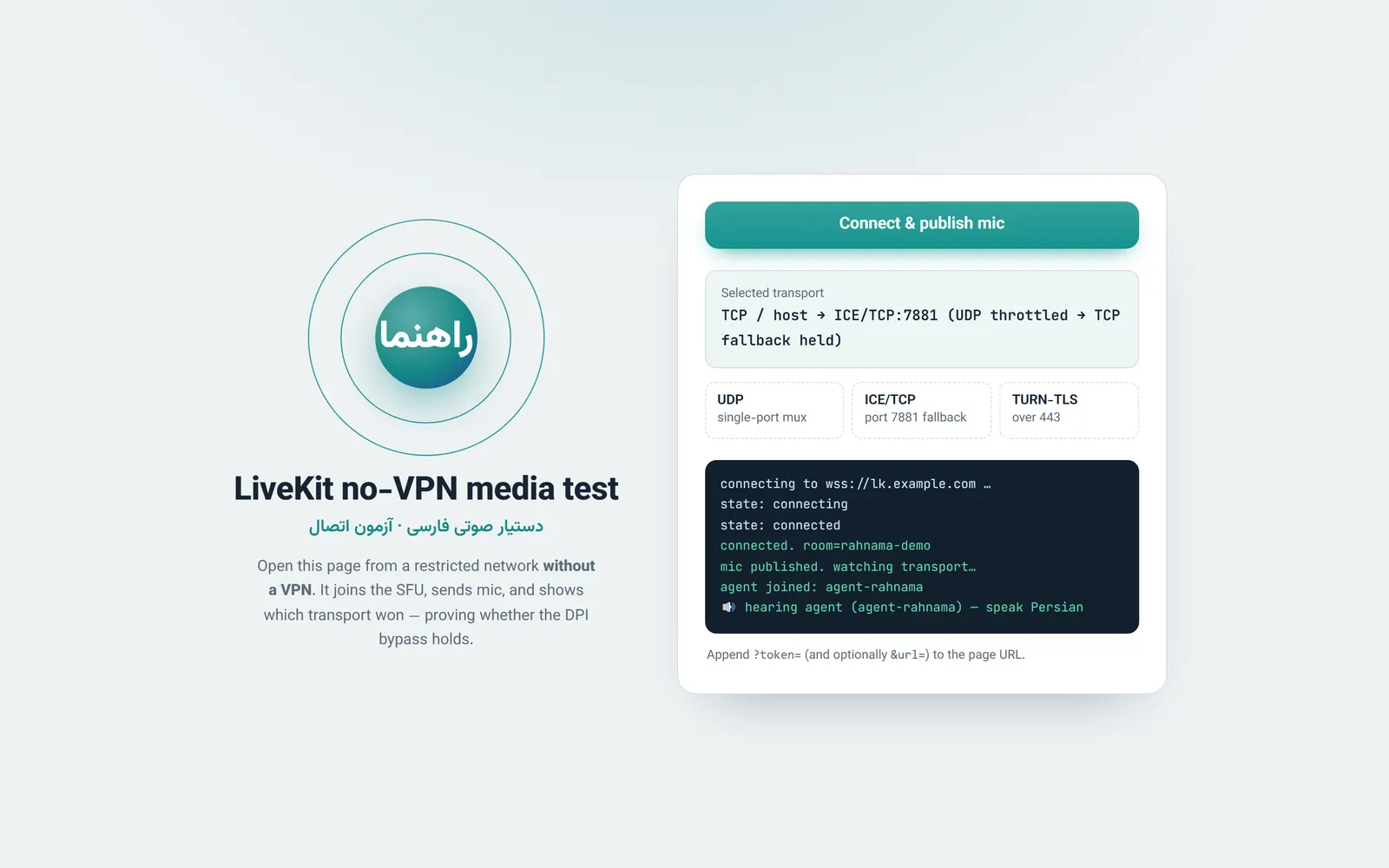
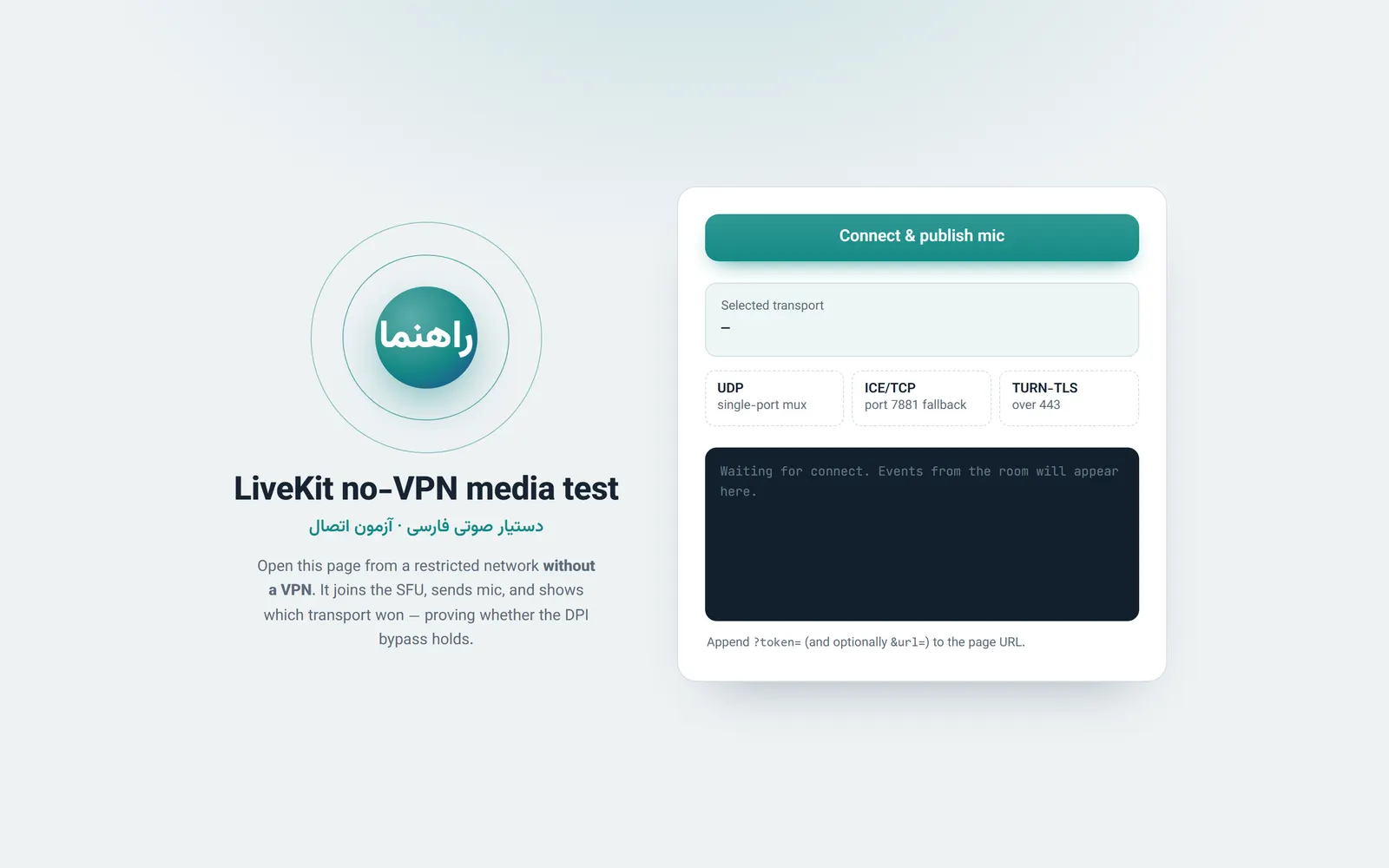
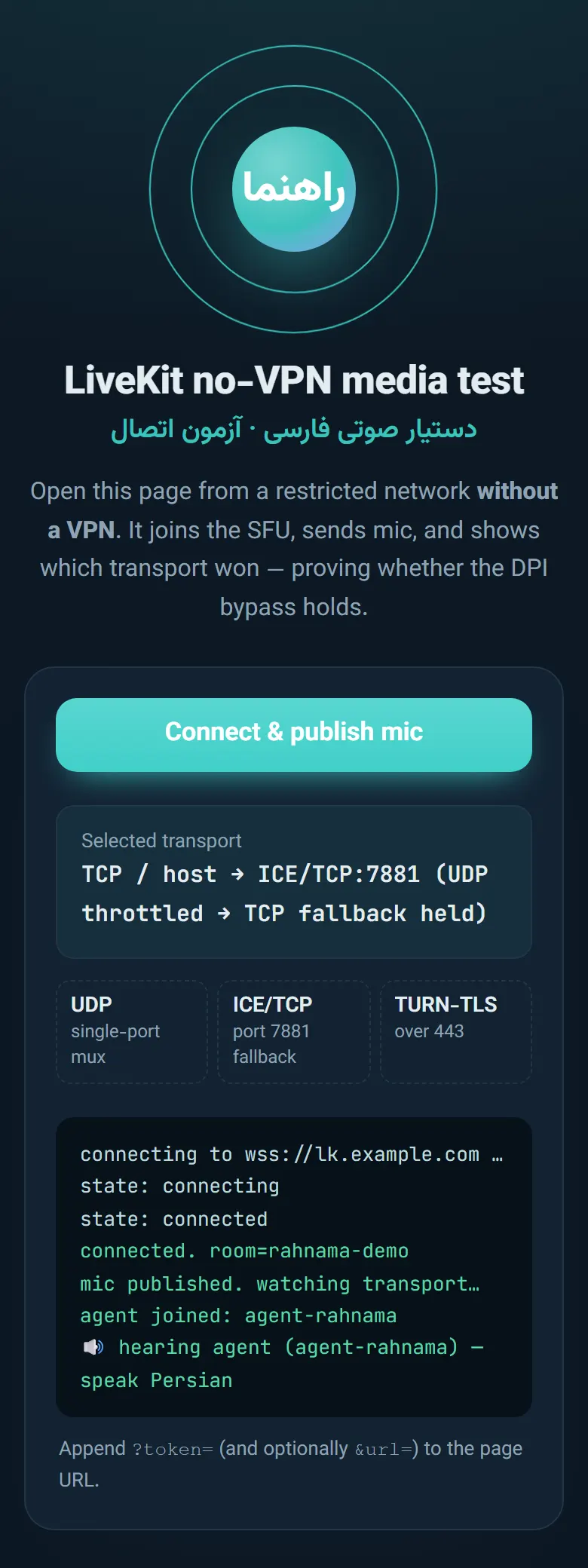
infra/livekit.yaml), wss via nginx (infra/*.conf). - Test client that reports the selected ICE transport (light/dark, mobile-friendly):
client/index.html.
Getting started
pip install livekit-agents livekit-plugins-openai openai aiohttp httpx
cp .env.example .env          # fill in values
set -a; . ./.env; set +a      # worker reads plain env vars (no dotenv)
python agent/worker.py dev
You need a LiveKit server (see infra/livekit.yaml, replace the placeholder keys), an OpenAI key, a local HTTP proxy if your network blocks the model API, and a retrieval endpoint that accepts POST {"query": "..."} and returns {"nodes": [{"text": "..."}]}. For the test client, serve client/ over HTTPS next to livekit-client.umd.min.js and open it with ?token=<room token>.
Tests
None yet; behaviour was checked by hand against a live deployment.
Screenshots
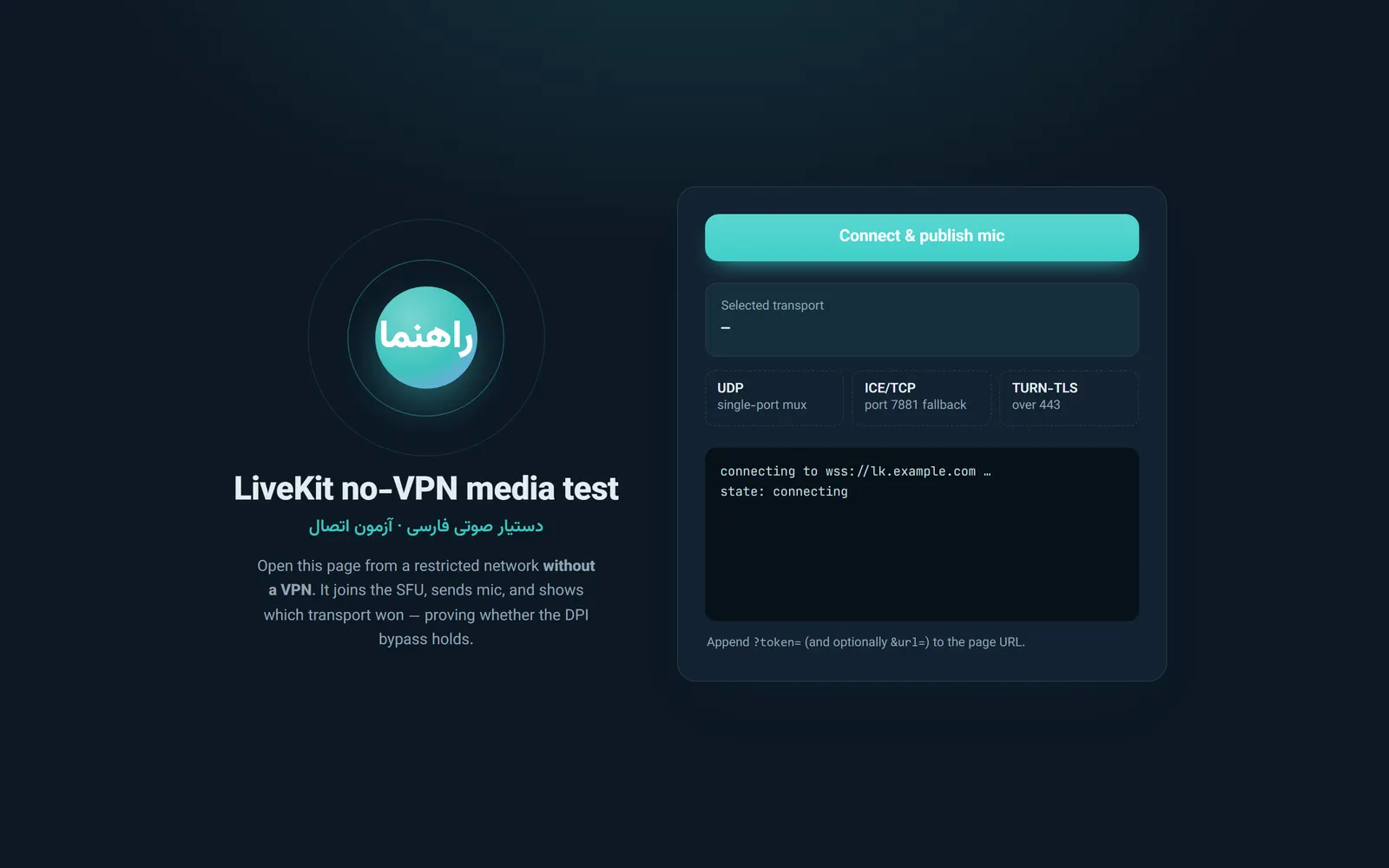
All screenshots show the real client/index.html with a simulated LiveKit SDK (demo data: no SFU, token or agent involved).
| Connected, transport detected | Connecting |
|---|---|
 |  |
| Light theme, connected | Idle |
 |  |
To regenerate: serve the client with python -m http.server 4100 --bind 127.0.0.1 --directory client, then run node scripts/capture-screenshots.js (needs Playwright). The hero banner is scripts/hero.html.
License
MIT
Built by Sepehr Radmard · LinkedIn · GitHub · more projects on my profile