 Radmard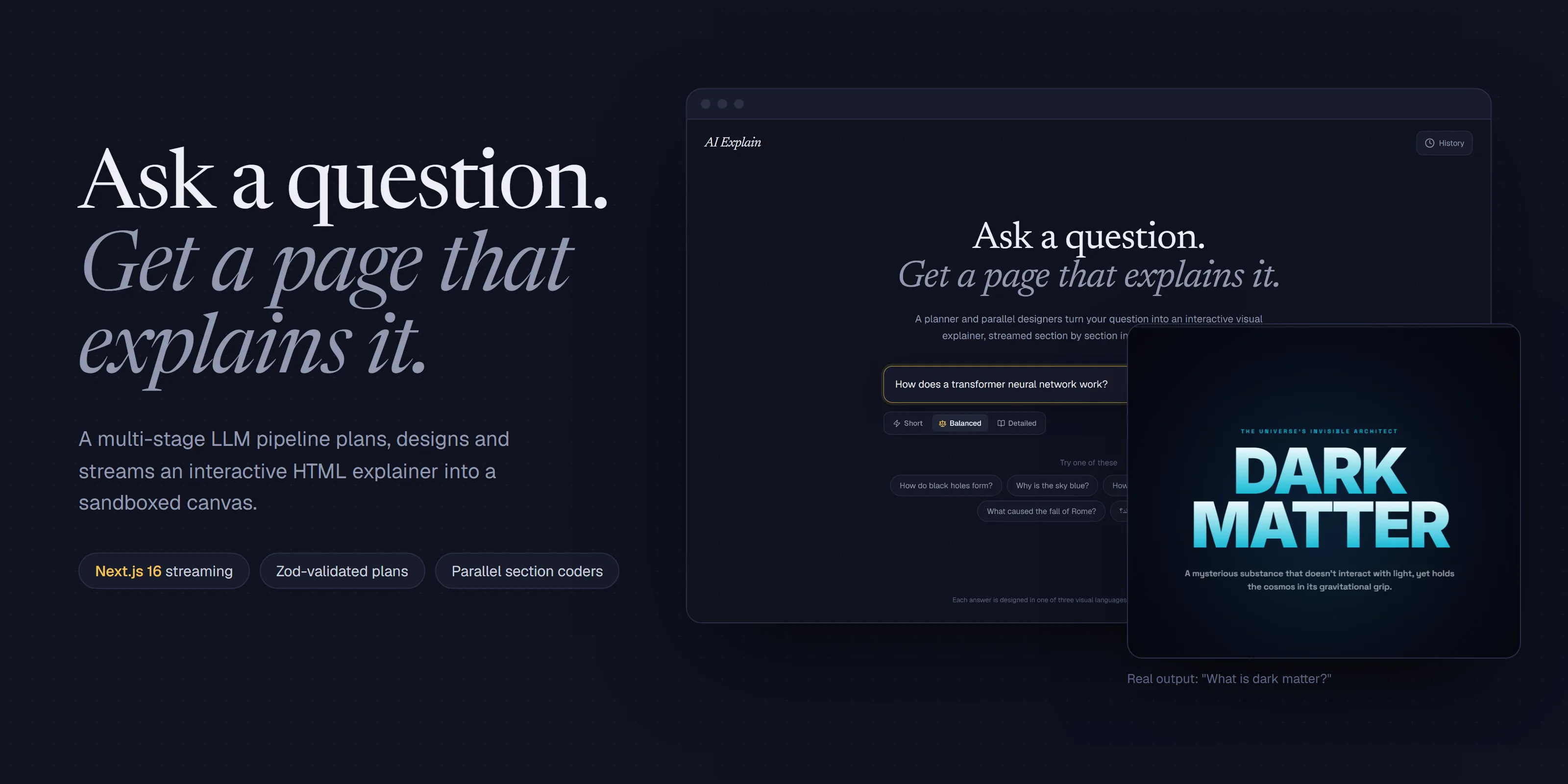
Ask any question and get an interactive HTML/CSS/SVG explainer page, planned and designed by a multi-stage LLM pipeline and streamed section by section into a sandboxed iframe.
Highlights
- Planner, then parallel designers. A classifier and a Zod-validated JSON planner run in parallel; then one coder call per section runs in parallel, with images generated alongside.
- Streams as it designs. An NDJSON event stream drives a live progress view and appends finished sections into the canvas in order.
- Three design languages. Every answer is typeset as an editorial essay, a cinematic poster or a museum plate, picked per question.
- Safe by construction. Generated code runs in an opaque-origin sandboxed iframe; exports are DOMPurify-sanitised.
- Local history and export. Finished canvases are kept in the browser with live thumbnails and can be exported to PNG or PDF.
Screenshots
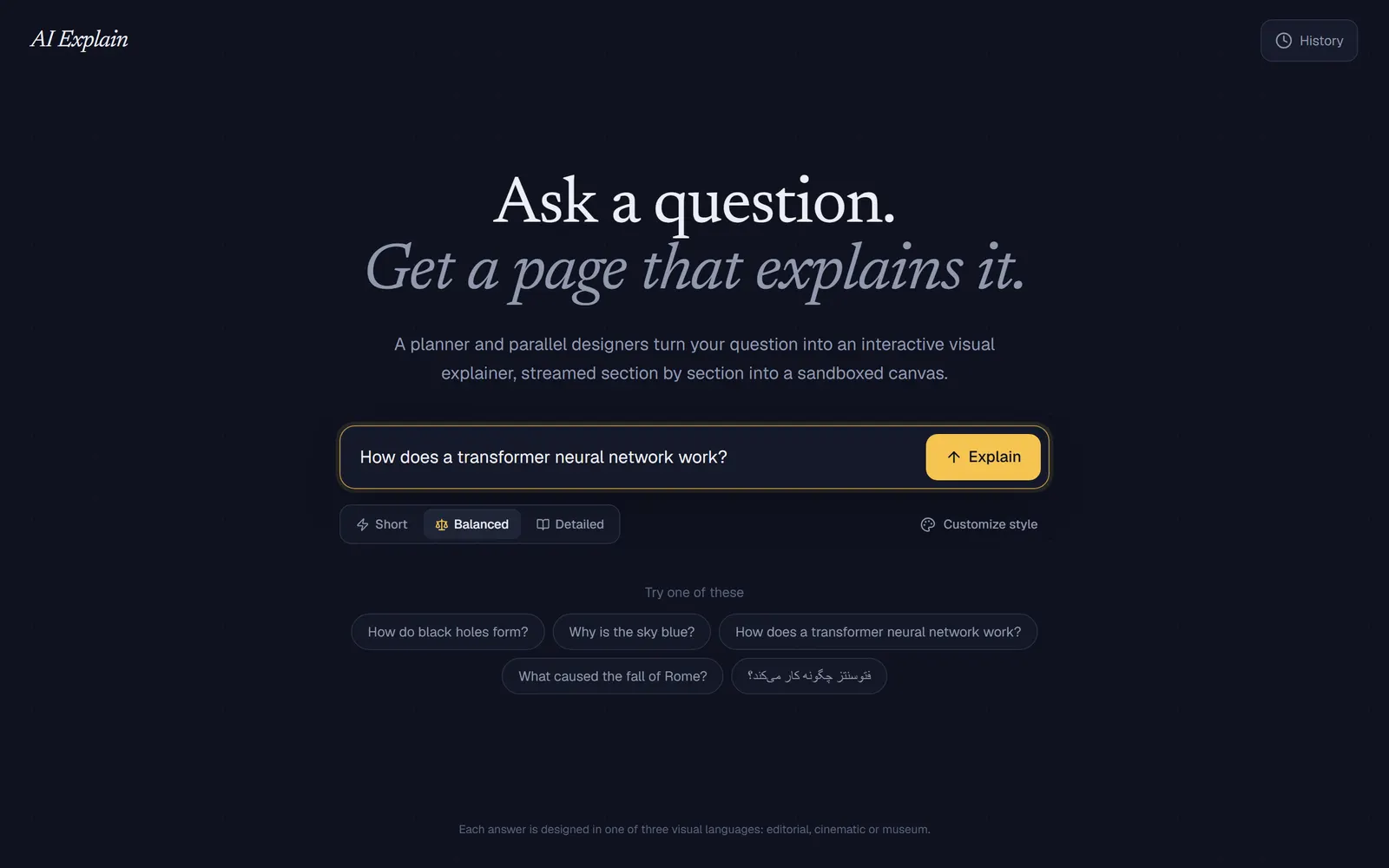 | 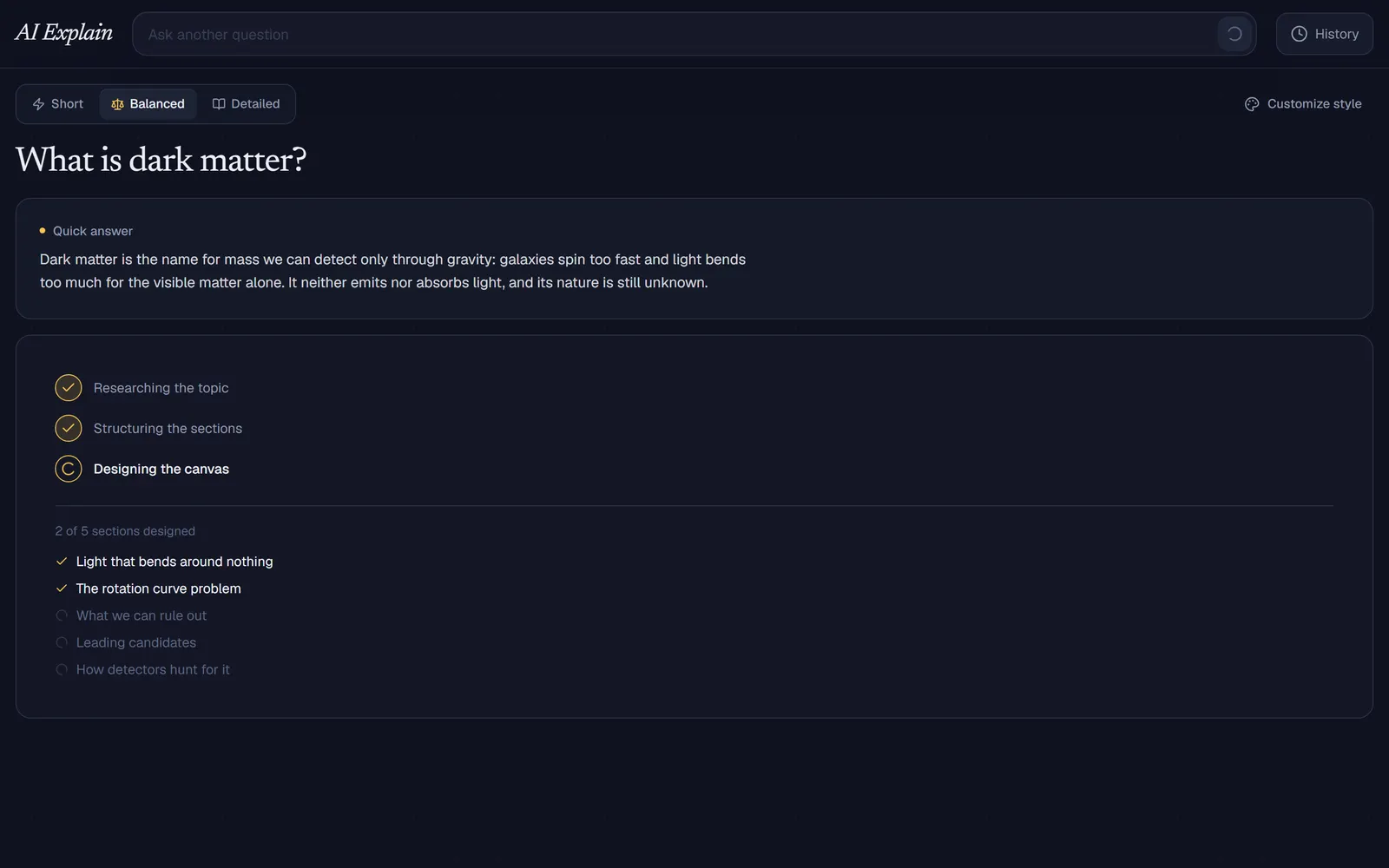 |
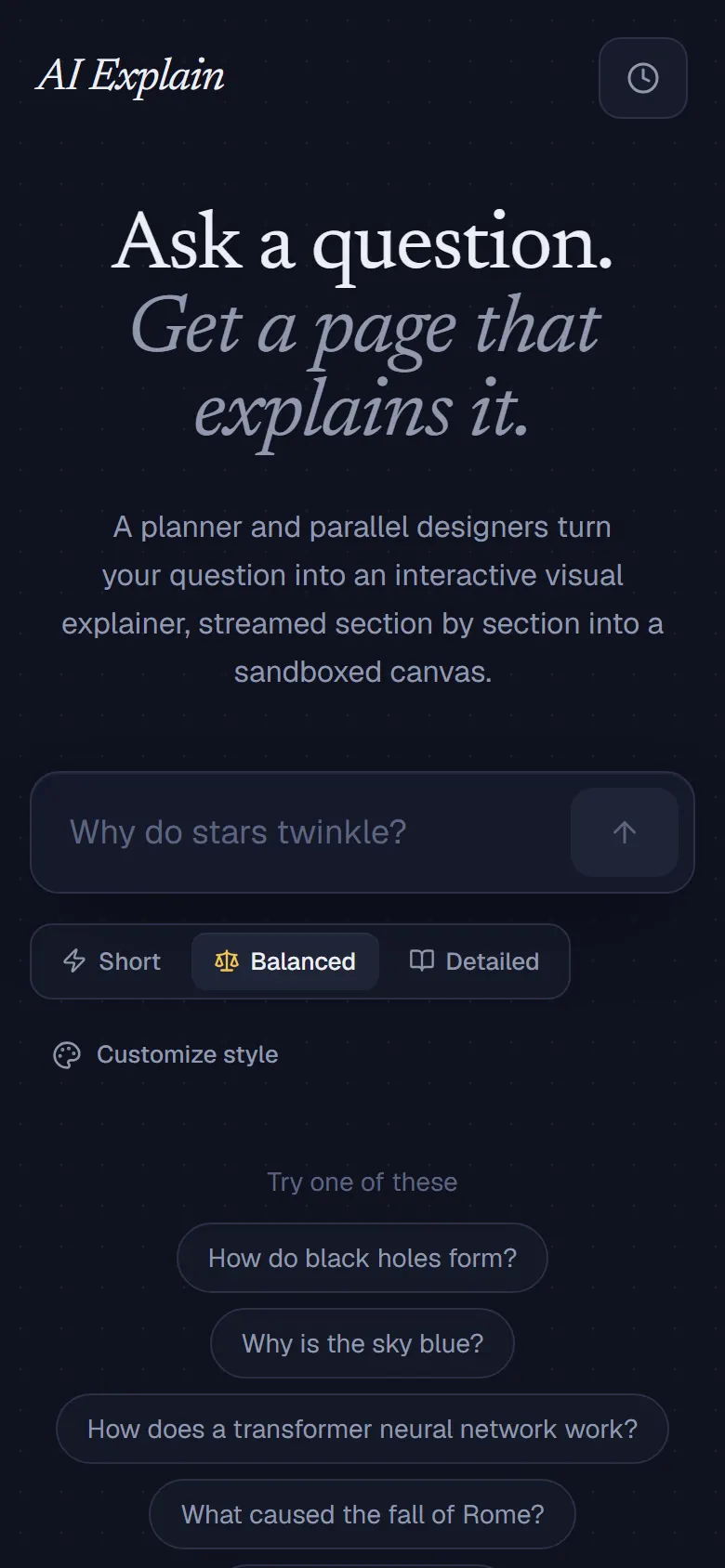
| Landing. Ask anything, pick a detail level, or start from an example (English or Persian). | Generating (demo data). The planned sections tick off as the parallel coders finish. |
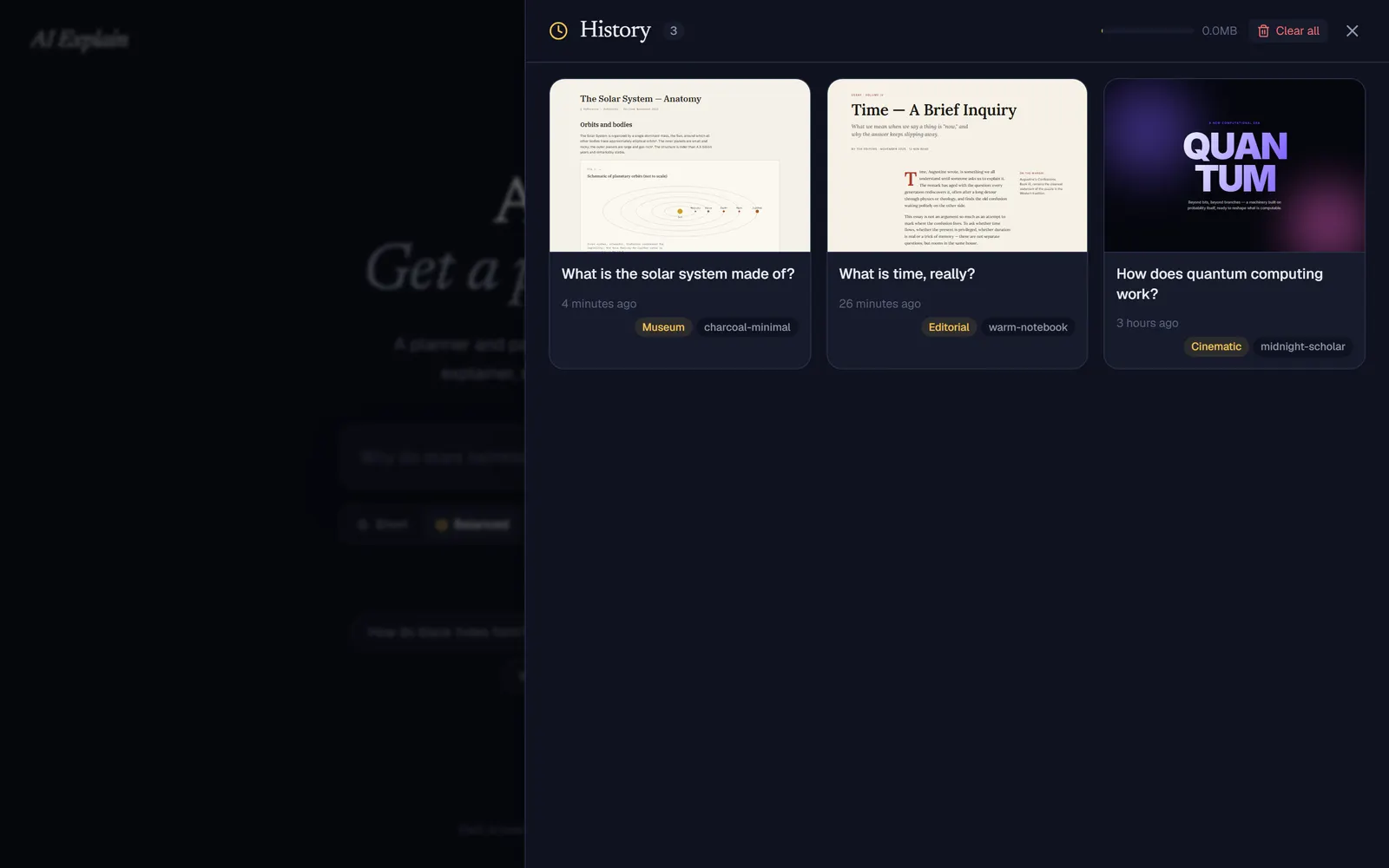 | 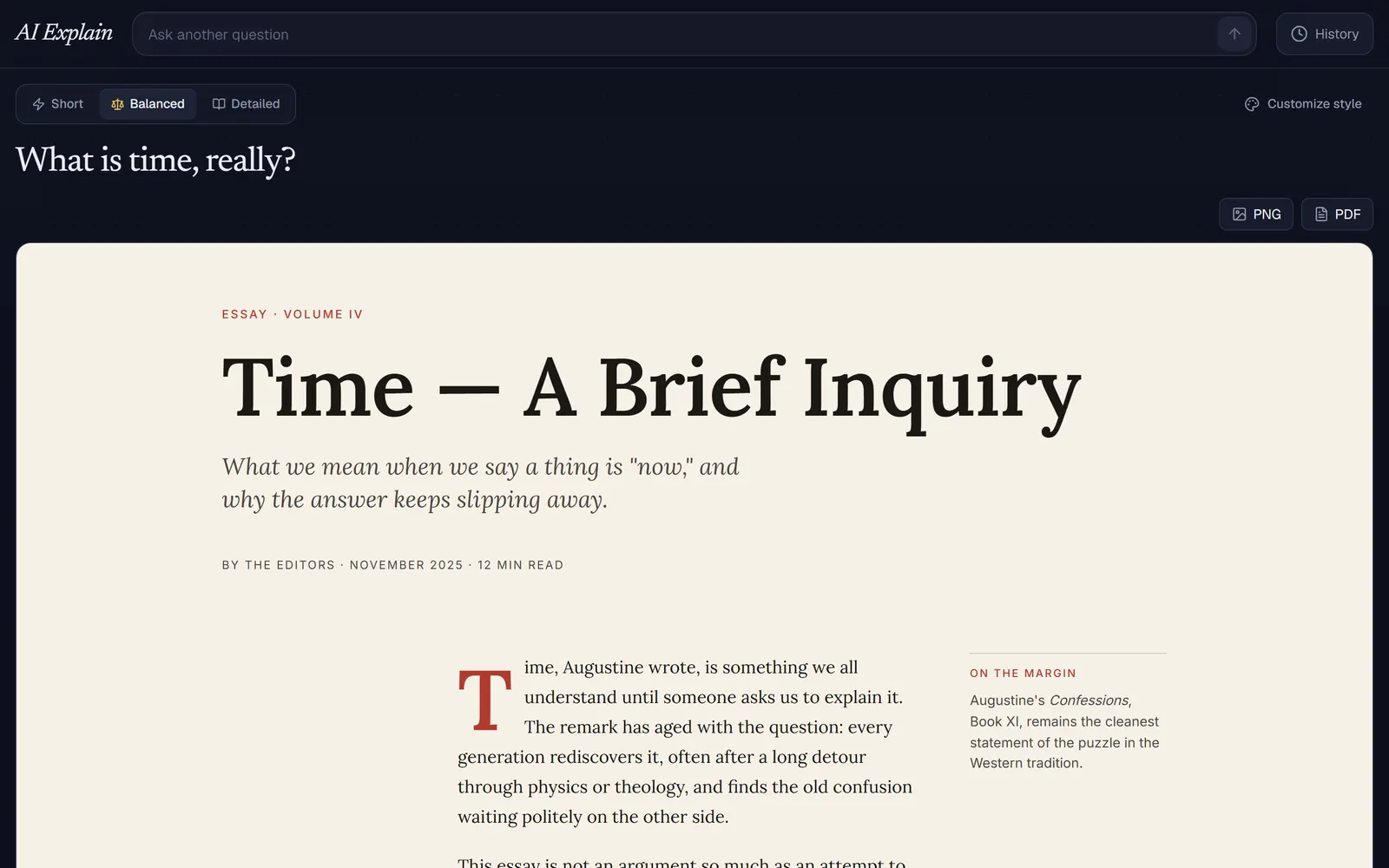 |
| History (demo data). Saved canvases with live thumbnails, design language and preset. | Canvas view (demo data). A saved canvas reopened, with PNG/PDF export. |
Real model output (cinematic design language, “What is dark matter?”):

The demo data screenshots need no API key: history is seeded with the hand-written reference canvases that ship in src/lib/vocabularies/ (the worked examples given to the coder prompt, not model output), and the progress view is driven by synthetic stream events. Recreate them with node scripts/capture-screenshots.mjs against a running server (see the header of that file; needs Playwright).
Why it’s interesting
- Multi-stage orchestration, not one prompt. A classifier and a planner run in parallel, then one coder call per section runs in parallel, with images generated alongside.
- Structured planning. The planner returns a strict JSON content plan (
response_format: json_schema) that is validated with Zod (src/lib/plan-schema.ts); sectionimageIdsreferenceimages[].idso the plan is the single source of truth. - Progressive rendering.
/api/explainemits an NDJSON event stream; sections are appended into the live canvas viapostMessageas they finish, in order. - Three design languages. The classifier routes each question to an editorial, cinematic or museum vocabulary (
src/lib/vocabularies/), each with tokens, layout guidance and a worked example injected into the coder prompt. - Graceful degradation. Monolithic coder fallback if the plan has no body sections, stub section if a section coder fails, per-stage timeouts budgeted under
maxDuration = 300.
Architecture
flowchart LR
  Q[Question] --> P[/api/preview: quick text answer/]
  Q --> E[/api/explain, NDJSON stream/]
  E --> CL[Classifier: editorial / cinematic / museum]
  E --> T[Thinker: JSON plan, Zod-validated]
  CL --> SC
  T --> SC[Parallel section coders]
  T --> IG[Parallel image generation]
  SC -->|section events| F[Sandboxed iframe via postMessage]
  IG -->|image events| F
  SC --> D[Assembled document: history + export]
“Short” mode skips the planner and images and uses a single coder call. Generated markup uses declarative data-ae="..." attributes (tabs, accordions, charts, sliders, reveals…) that an injected runtime (src/lib/ae-primitives.ts) wires up, so the model does not hand-write interaction JS.
Tech stack
Next.js 16 (App Router), React 19, TypeScript, Tailwind CSS 4, Zod 4, OpenRouter (Gemini models, configurable), DOMPurify + html2canvas-pro + jsPDF for export, lucide-react.
Key techniques
- Structured output + schema validation:
src/lib/plan-schema.ts,generateStructuredinsrc/lib/openrouter.ts - Prompt construction per role and vocabulary:
src/lib/prompts.ts,src/lib/vocabularies/ - Parallel fan-out, streaming and fallbacks:
src/app/api/explain/route.ts - Image generation conditioned on the palette:
src/lib/image-gen.ts - In-frame interactivity runtime and host bridge:
src/lib/ae-primitives.ts
Getting started
npm install
cp .env.example .env.local   # set OPENROUTER_API_KEY and model names
npm run dev
Open http://localhost:3000. Other scripts: npm run build, npm run start, npm run lint.
| Variable | Description |
|---|---|
OPENROUTER_API_KEY | OpenRouter API key |
OPENROUTER_MODEL | Section coders and monolithic fallback |
OPENROUTER_FAST_MODEL | Classifier, planner, short coder, preview |
OPENROUTER_IMAGE_MODEL | Image generation |
Tests
There are no automated tests yet.
Security notes
- Iframe sandbox. Generated canvases render in
<iframe srcDoc={html} sandbox="allow-scripts">(src/components/canvas-frame.tsx, also the history thumbnails). Scripts run, but in an opaque origin: no access to the parent DOM, cookies or storage.allow-same-originis deliberately not combined withallow-scripts. Parent and canvas communicate only throughpostMessage. - Export. PNG/PDF export sanitizes the HTML with DOMPurify (scripts and
on*handlers stripped) and renders it in a separatesandbox="allow-same-origin"iframe with no script execution. - No rate limit or auth on
/api/explain(and/api/preview). Inputs are Zod-validated, but anyone who can reach the server can trigger paid OpenRouter calls. Put it behind auth or a rate limiter before exposing it publicly, and set a spend cap on the API key.
License
MIT
Built by Sepehr Radmard · LinkedIn · GitHub · more projects on my profile